
Media-production classrooms force Royal Oak planners to balance quiet recording, collaborative editing and valuable equipment. The best price comparison starts with that operating mix, because acoustics, power, security and furniture can change the scope substantially.
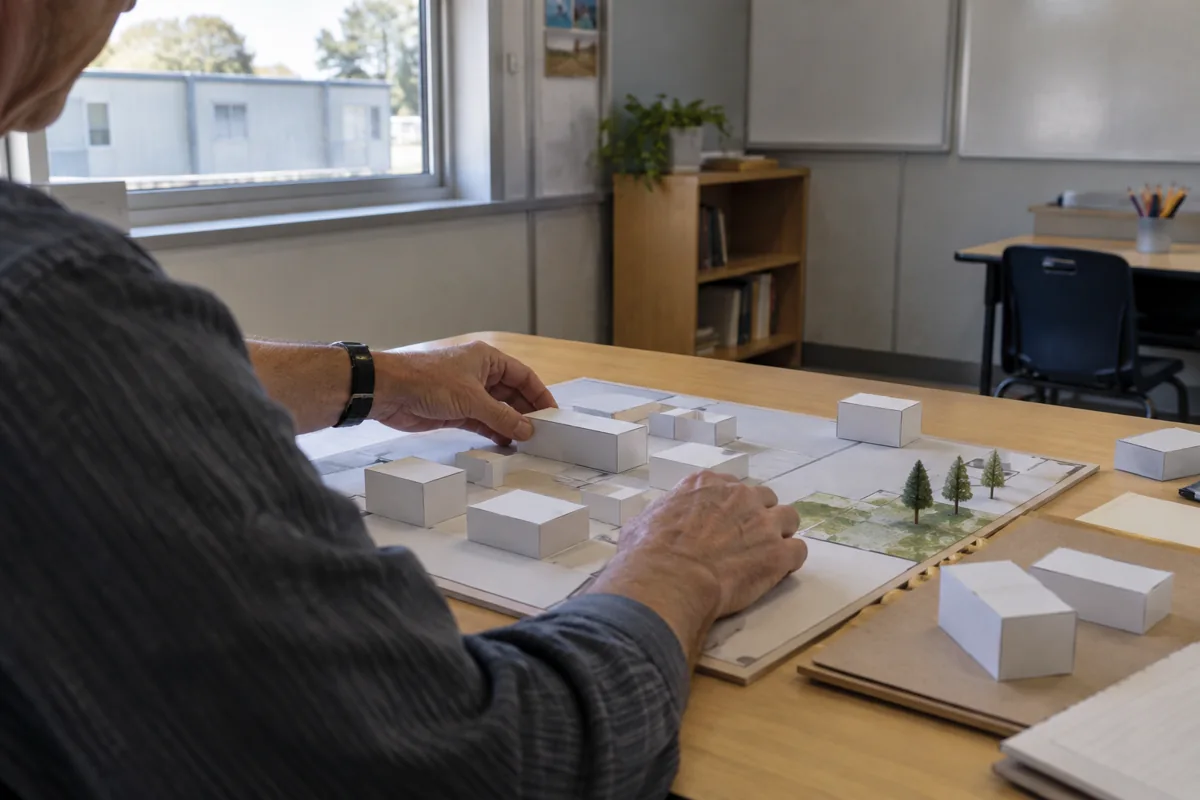
For the wider project picture, explore Michigan modular buildings alongside your classroom space plans.
Michigan requirements, accessibility, life-safety and electrical or acoustic design require qualified review. This is not a claim about a Royal Oak school, studio or completed installation.
Decide which activities can share a room
List when students record, edit, review footage and move equipment. A recording corner may need separation from a group critique, while an editing row needs dependable power and a clear instructor view. If activities overlap, show the conflict on the plan instead of assuming every station can run at once.
The modular classroom layouts resource is useful for testing workstation spacing and movement before pricing.
Protect equipment without hiding it
Plan lockable camera and microphone storage near the work area, with a charging or check-in point that does not obstruct the door. Keep cables, tripods and backdrops in a defined home. Acoustic panels, blackout treatment, editing computers and other loose items should be listed separately from the building shell.
Power, data, lighting and sound-control choices remain project-specific; a provider should identify assumptions and exclusions rather than imply a studio package.
Compare complete Royal Oak prices
Share the same equipment inventory, class size, recording needs, property information and service assumptions with each provider. Request itemized design, factory work, freight, supports, setting, site preparation, utilities, access work, approvals and closeout. Check omissions with the modular building cost guide, then use the modular classroom price request.
A useful comparison shows whether each offer supports the actual media workflow or simply prices an empty room.