
A senior technology class may cover phones, tablets, video calls and online safety, often with one volunteer helping one participant. The room needs accessible tables and protected power rather than a generic lecture setup. Jupiter churches should define the instruction plan before requesting modular classroom building prices.
For the wider project picture, explore Florida modular buildings alongside your church space plans.
Florida heat, heavy rain and property drainage can affect the building and arrival route. Qualified professionals and responsible authorities should verify accessibility, permits and site requirements.
Make screens and instruction easy to follow
Use a large glare-controlled display with clear sightlines from every table. Lighting should support device use and note-taking without creating reflections that obscure demonstrations.
Provide accessible seating throughout the room, with enough surface area for a device, notes and volunteer assistance. Avoid tightly packed rows that make one-to-one help disruptive.
Plan hearing support and quiet mechanical operation where needed. Several simultaneous conversations can make a hard, echoing room difficult to use.
Manage power, connectivity and privacy
Review church classroom layouts after adding charging points and cable routes. Extension cords should not cross aisles or hang from crowded tables.
A small help nook can support questions about accounts or settings without showing personal information to the class. Volunteers should follow the program's privacy and device-handling rules.
Lock loaned equipment and attendance records after sessions. Network and low-voltage expectations should be documented before providers price the room.
Support patient arrival and reset
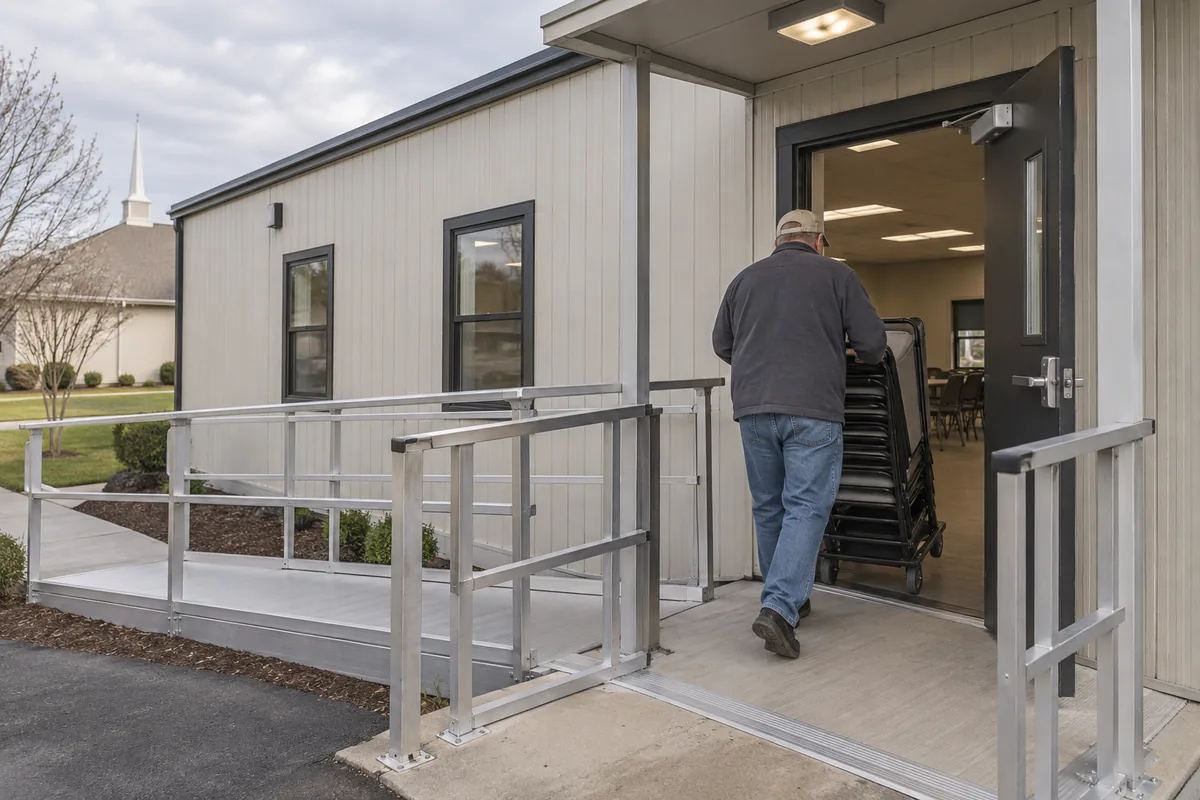
Place check-in near seating so participants do not remain standing in the doorway. Covered entry, exterior lighting and a clear accessible path deserve property-specific review.
Store walkers, coats and bags without separating them too far from users or narrowing circulation. Refreshments belong away from charging and device surfaces.
Give volunteers a preparation cabinet for printed guides, adapters and demonstration equipment. The next class should not begin with a search through mixed supplies.
Price the complete learning environment
The complete modular cost guide can organize planning services, transport, supports, utilities, setup and site improvements. Add data, electrical distribution, displays, acoustic measures, furnishings and secure casework.
Compare providers against the same room capacity, device count and technology scope. Record which systems require owner purchase or separate specialist installation.
Ask how future cable or display replacement can occur without opening finished walls unnecessarily. Practical access can reduce disruption when devices change even though the teaching purpose remains the same.
Test check-in, demonstration, individual help, a break and secure shutdown. The right Jupiter plan will make learning more comfortable and total project costs more understandable.